


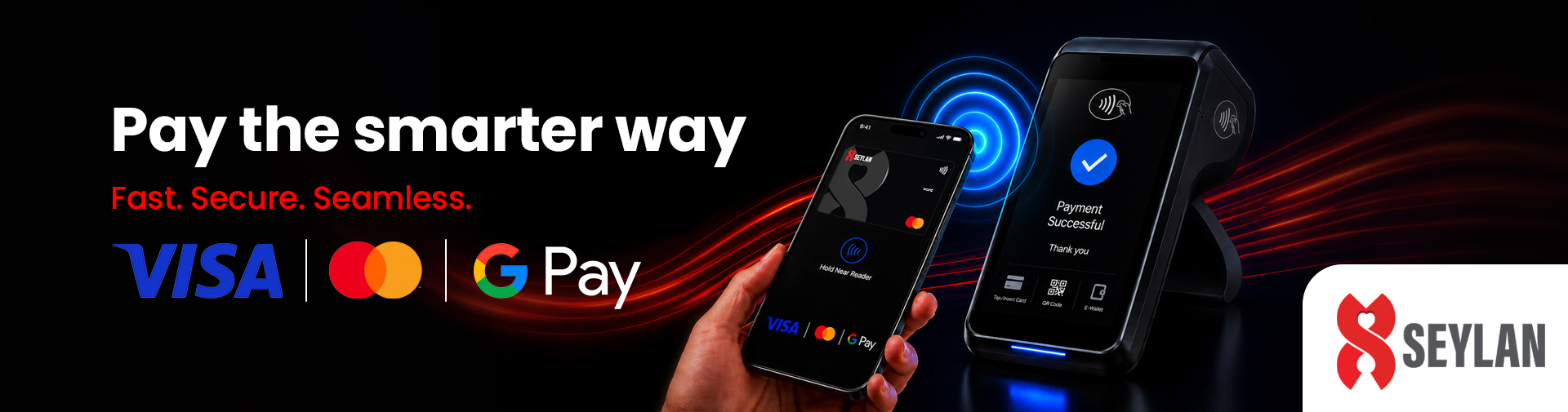


Enjoy a faster, safer, and more convenient way to pay with your Seylan Credit or Debit Card on Google Pay. Make secure contactless payments in stores, shop online with ease, and manage subscription payments seamlessly from your compatible Android device. Powered by advanced tokenization technology, Google Pay protects your card information while delivering a smooth and effortless payment experience—anytime, anywhere.
Why Add Your Seylan Card to Google Pay?
- Fast & Convenient Payments
- Enhanced Security
- Easy Online Checkout
- Continue Enjoying Your Card Benefits
How It Works
If you are a Seylan Bank Credit or Debit Cardholder, you can start using Google Pay in a few simple steps:
- Add your eligible Seylan Card to Google Pay.
- Verify your card securely.
- Start making payments wherever Google Pay is accepted.
- Authorize transactions using your device’s security features such as fingerprint, facial recognition, PIN, or pattern lock.
Key Benefits
- Faster and more convenient payments
- Reduced need to carry physical cards
- Secure digital transactions
- Quick online and in-app checkout
- Protection backed by global payment security standards
- Accepted at millions of merchants worldwide where Google Pay is supported
Device Requirements
To use Google Pay with your Seylan Card, you will need:
- A compatible Android smartphone running Android 9.0 or above
- NFC-enabled device for contactless payments where available
- The latest version of Google Wallet or Google Pay
- A Google Account signed in on the device
- Device security enabled (PIN, pattern, fingerprint, or facial recognition)
How to Register Your Seylan Card on Google Pay
- Open the Google Wallet app on your Android device.
- Select “Add to Wallet” → “Payment Card”
- Scan your card or manually enter your Seylan Card details (Card Number, Expiry Date, and CVV).
- Review and accept the Terms and Conditions.
- Complete cardholder verification using the One-Time Password (OTP) sent by Seylan Bank.
- Once verification is successful, your card will be added to Google Pay and ready to use.
FAQs
Google Pay is a digital wallet service provided by Google that enables Cardholders to make secure contactless payments at merchant outlets using Android devices, and allows faster checkout at e-commerce websites, by replacing Card details with a unique digital token, enhancing payment security.
All eligible Seylan Credit and Debit Cardholders with a compatible Android device can register their cards on Google Pay.
Yes. Google Pay uses tokenization and device authentication features to help keep your payment information secure.
Yes. Transactions made through Google Pay are eligible for the same rewards, benefits, and offers associated with your Seylan Card, subject to applicable terms and conditions.
Google Pay is supported on compatible Android smartphones running Android 9.0 or above. Certain Wear OS smartwatches may also support Google Pay functionality.
Yes. An internet connection is required when adding and verifying your card on Google Pay.


